
Proteus Audio
Proteus
About Proteus
“It’s possible that our grandchildren will look at us and say ‘You mean people used to listen to the same thing over and over again?’” - Brian Eno
Proteus grew out of a train of thoughts inspired by a 2014 lecture by Dr. Andy Farnell at the University of Edinburgh which spoke, in part, about the distinctions between fixed and performance mediums (ie film vs stage, album vs concert).
Though, undoutably, much of the draw of performance art is owed to community and social connection, I think there’s a case to be made that some of the power of perfomance is in its subtle unpredictability. The Proteus Audio Project is an attempt to bring some of that unpredictability to recorded music.
The project explores a song format where multiple real takes of each part can be packaged together, then recombined at playback into a new but still intentional version of the same piece. That keeps the artistic integrity, but brings in a subtle (or not-subtle if the artist wished) level of unpredictability.
I started building in 2020 with simple proof-of-concept tooling, then moved through Flutter and Electron builds before landing on a Rust-focused stack and the current Proteus toolchain. Along the way, the format settled around packaged multi-part audio playback with room for metadata and playback guidance.
While the applications are now functional, there’s still plenty to do. If you want to follow along, keep an eye on the project repos and issues page(s), or reach out at [email protected].
Proteus Player
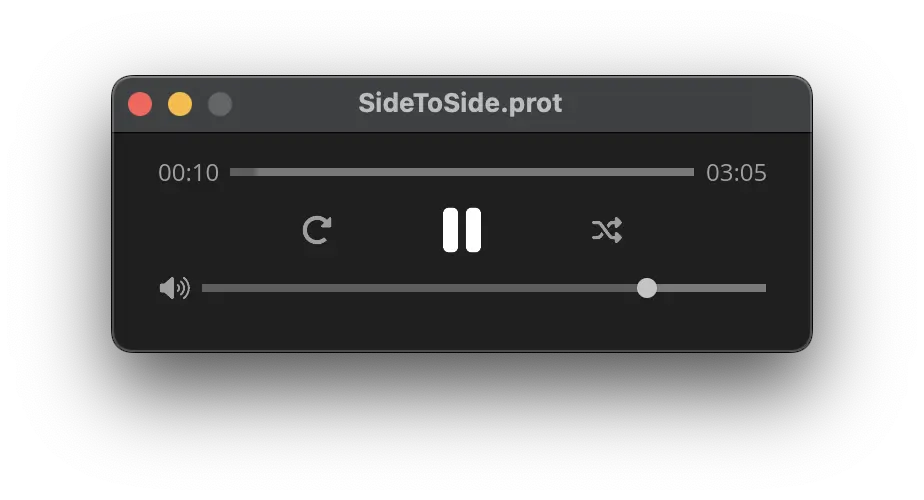
Proteus Player is the listening app for playing .prot files and hearing a fresh take each time you press play.
Single-file player
This application, inspired by Apple’s Quicktime Player, simply loads and plays single files. Stay tuned for a future application supporting a library-styled player.
Proteus Author
Proteus Author is the desktop app for building, organizing, and packaging Proteus projects into distributable .prot files.
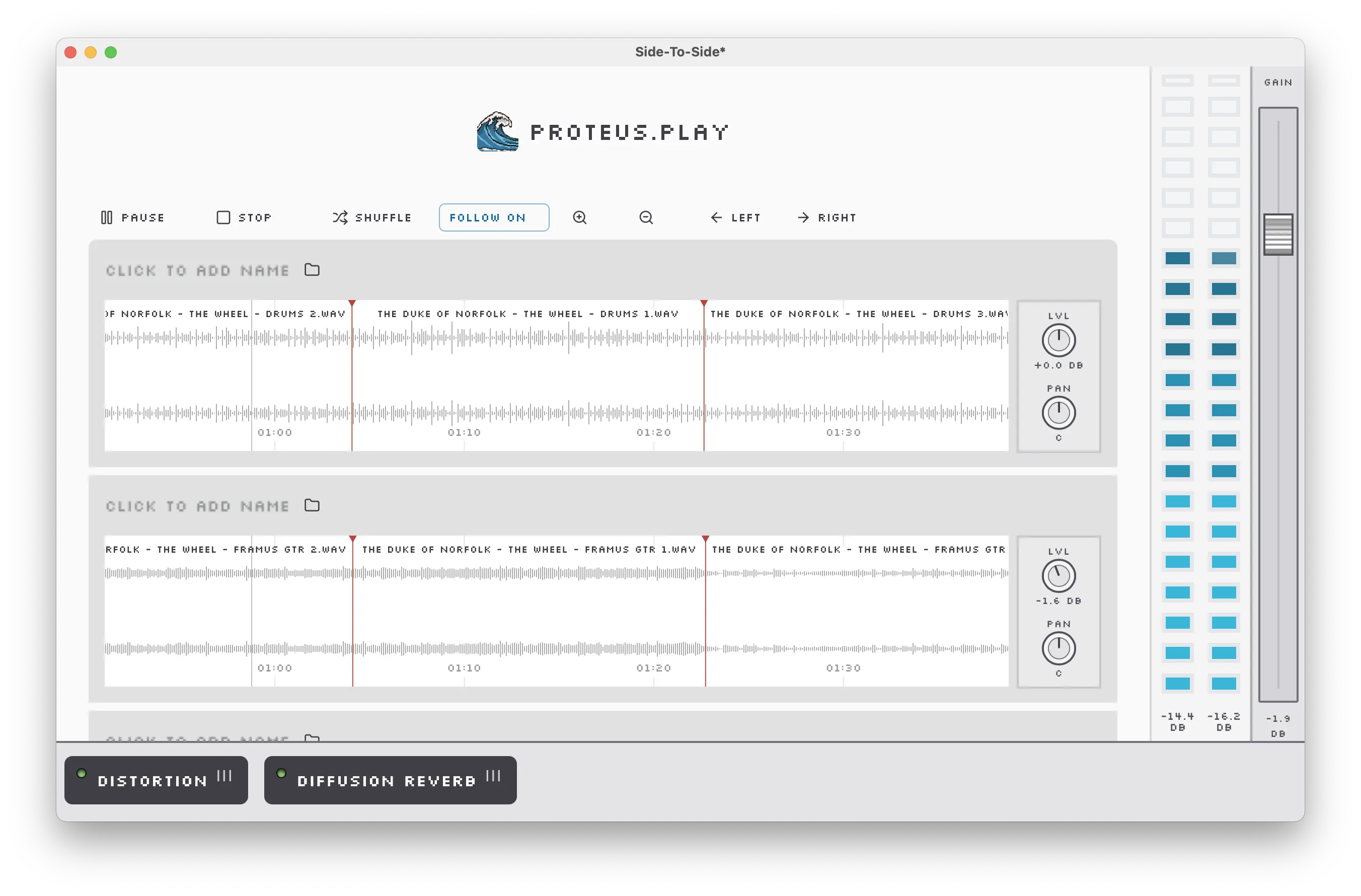
Author and export .prot files.
A DAW inspired editor for managing track variants, track levels, mastering effects, and exporting projects into .prot structured files.
Key Concepts/Features
Shuffle Points
Shuffle points allow for adding re-shuffle moments where a new random track is assigned mid-piece.
This allows for even more variation by letting you, for example, choose a new random vocal take for each verse of a song or a new rhythm track for each phrase.
Track Controls
Apply levels and panning to the track which will render on playback
Soon these controls will let you set a range where each playback can apply a different level or pan selected from within the range.
Effects Chain
Apply a lightweight DSP chain to ’Master’ bus.
This allows for some additional signal processing to be done after the randomization process. Allowing at a minimum to level out unexpected clipping or to add creative effects that could not achieve the desired result when applied at the track level.